1. Pick a YouTube template
On your home page click Create a design, pick the YouTube thumbnail size (1280 × 720) and type YouTube in the template search. Pick a card you like and click Create design.
2. Swap the photo and title
Drag your own photo onto the template's picture to replace it, or use Uploads. Double-click the title and type your own. Four or five words read best on a phone.
Tip: select your photo and click Remove background, then add a white outline with Add white outline under "Put in a frame". Cut-out faces stand out in a busy feed.
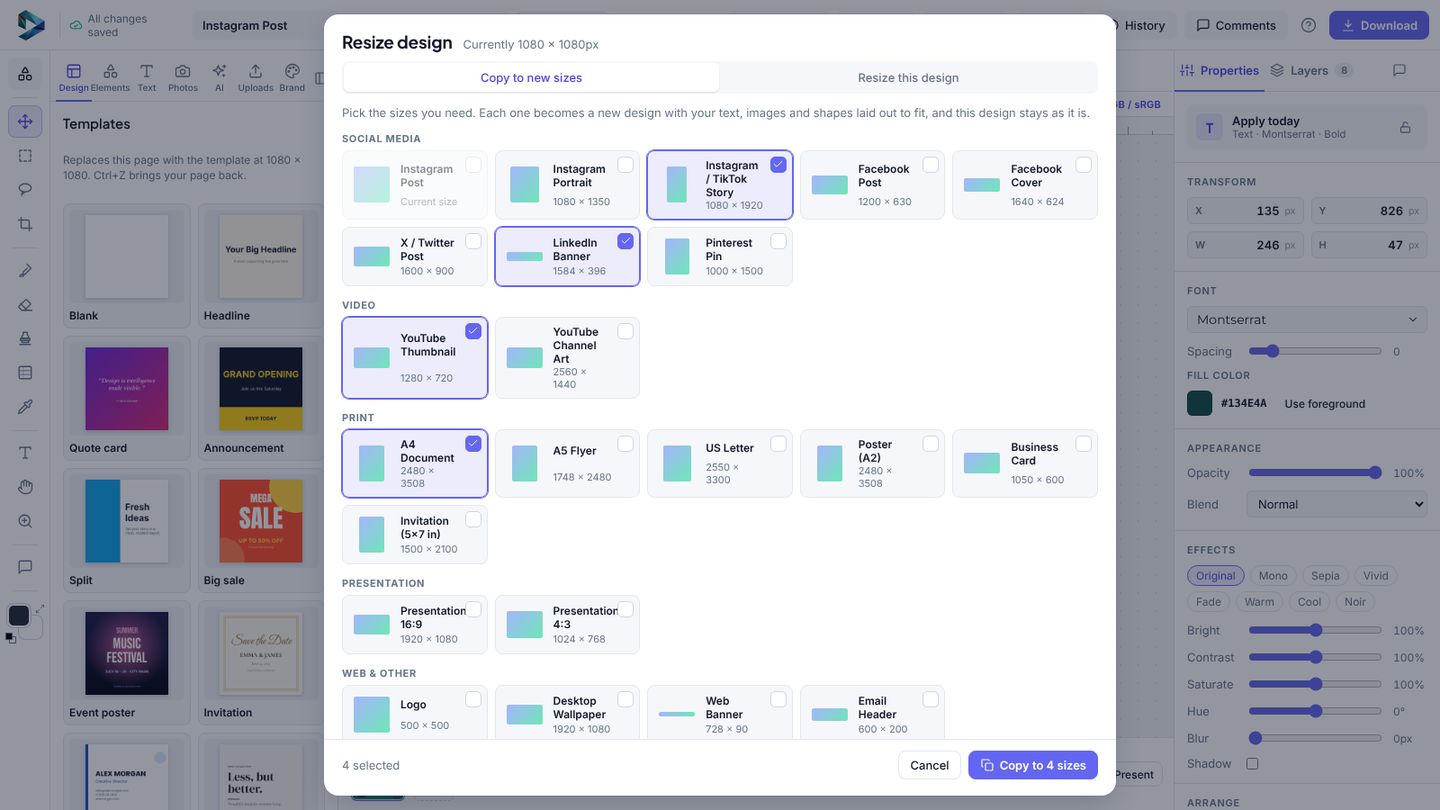
3. Make copies in other sizes
Click File → Resize, open Copy to new sizes and tick Instagram post and story. Each copy is a new design with everything rearranged to fit, and your original stays as it is. The free plan makes 3 sizes at a time.
4. Download
Click Download, pick PNG and size 1×. Done.