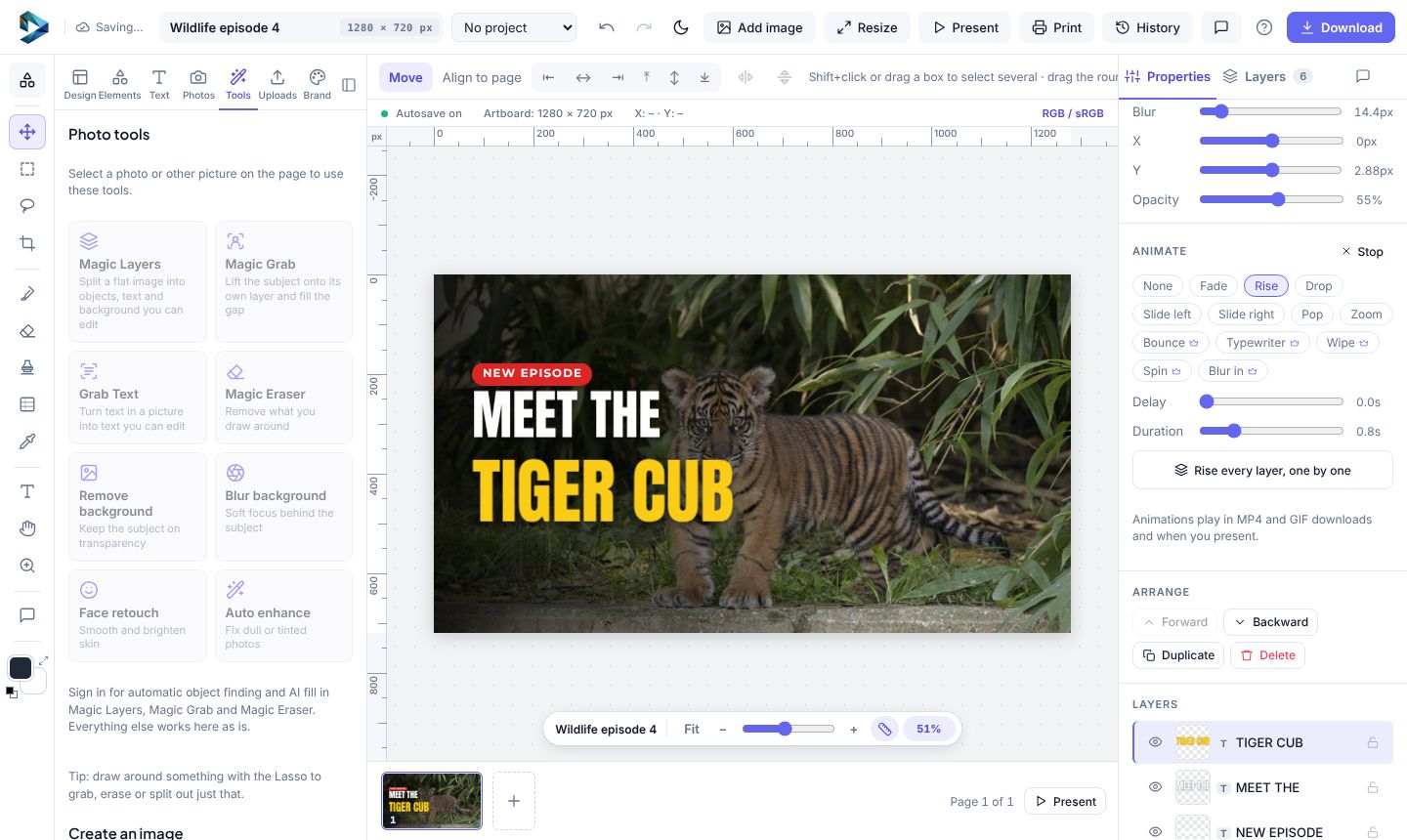
- Create a design at Instagram story size (it's 9:16, the same as reels).
- Add your text and pictures. For several scenes, add pages with the + at the end of the page strip.
- Select a layer and pick an entrance under Animate in Properties: Fade, Rise, Drop, Slide, Pop or Zoom. Animate every layer, one by one does a whole page at once.
- Open Uploads → Add music, or drag a song onto the page. It loops if it's short and fades out at the end.
- Click Play in Properties to watch it.
- Click Download → MP4. Set how long each page lasts, then wait while the video is made in your browser.
Keep the tab in front while the MP4 is made. It's built frame by frame, so it takes a bit longer than the video plays.
Music and video files can be up to 25 MB each on the free plan and 100 MB on Teams.