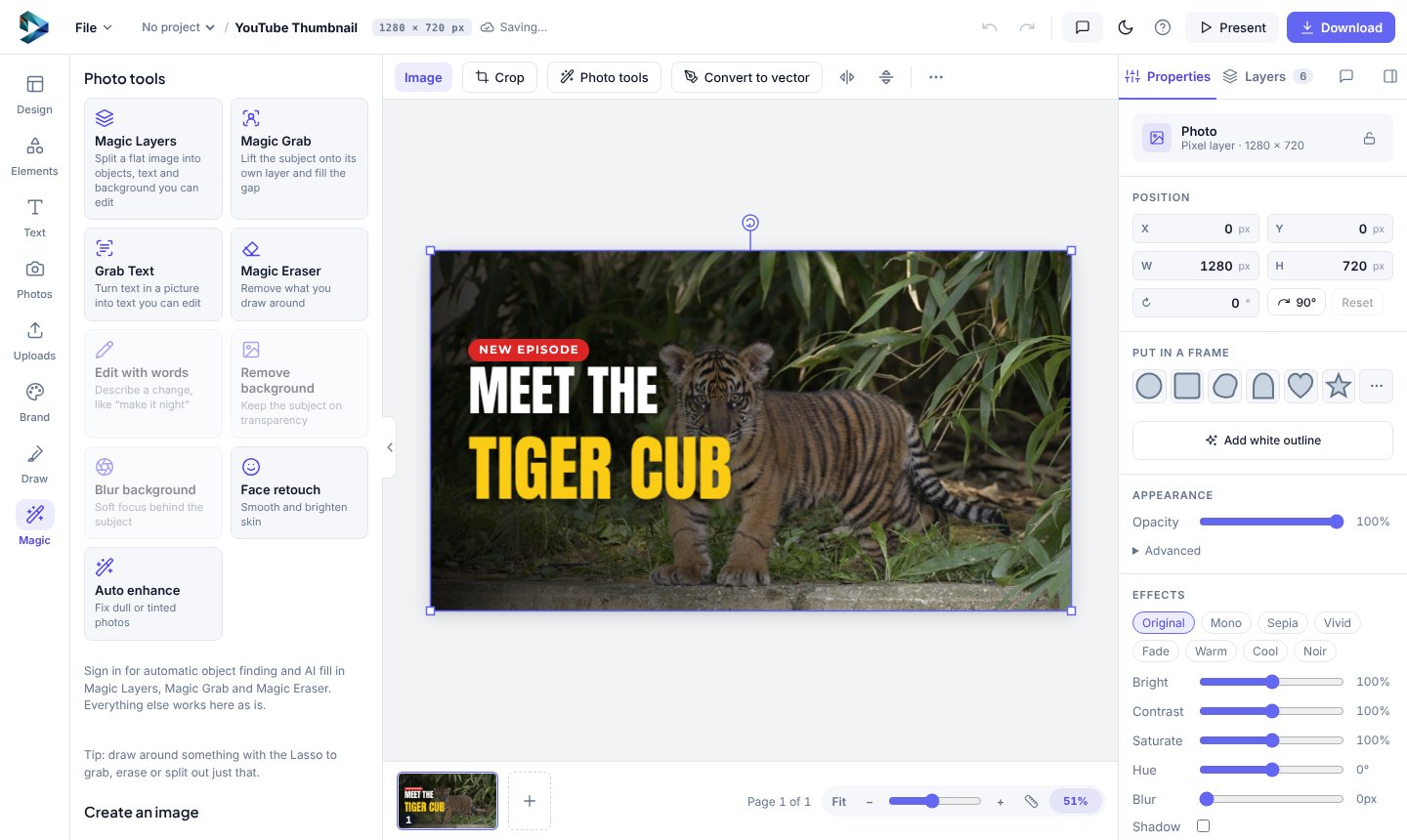
- Select a photo of a person, pet or product.
- Click Remove background in the bar above the page. You get the subject on a see-through background.
- Under Put in a frame in Properties, click Add white outline for a sticker look.
- Add a coloured page background (click an empty spot, then Background in the options bar) or a shape behind it.
To download it as a sticker with no background, remove the page background (the crossed-out chip in the Background colours) and download a PNG.
Background removal uses one of your daily background removals: 5 a day on Free, 100 on Teams.