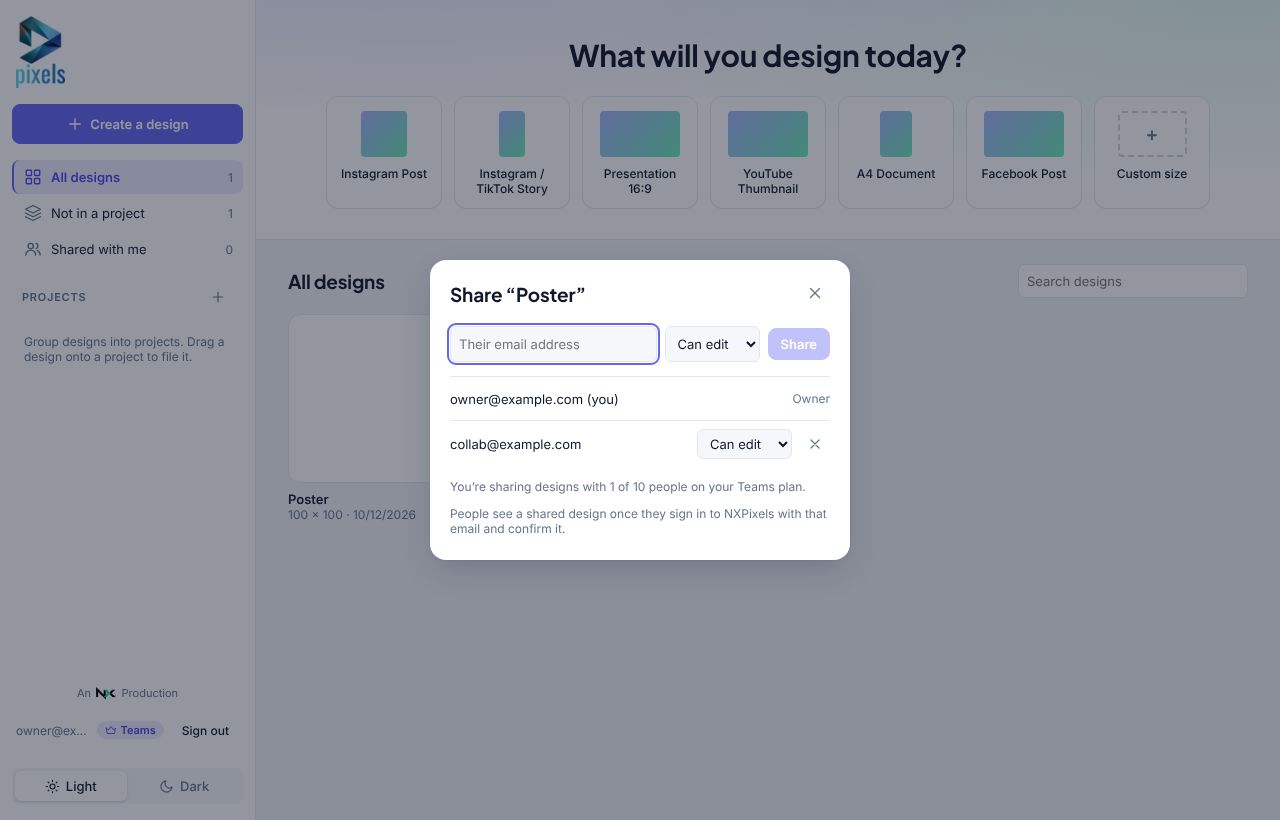
Sharing is part of Teams. Once you're on Teams:
- Open the design and click Share.
- Type a teammate's email and choose Can edit or Can view.
- They sign in to NXPixels with that email (and confirm it), and find the design under Shared with me.
When you both have it open you see each other's cursors and changes live. Ctrl+Z only undoes your own changes. People with Can view can still leave comments, which is a great way to collect feedback.
Teams shares with up to 10 people across all your designs.