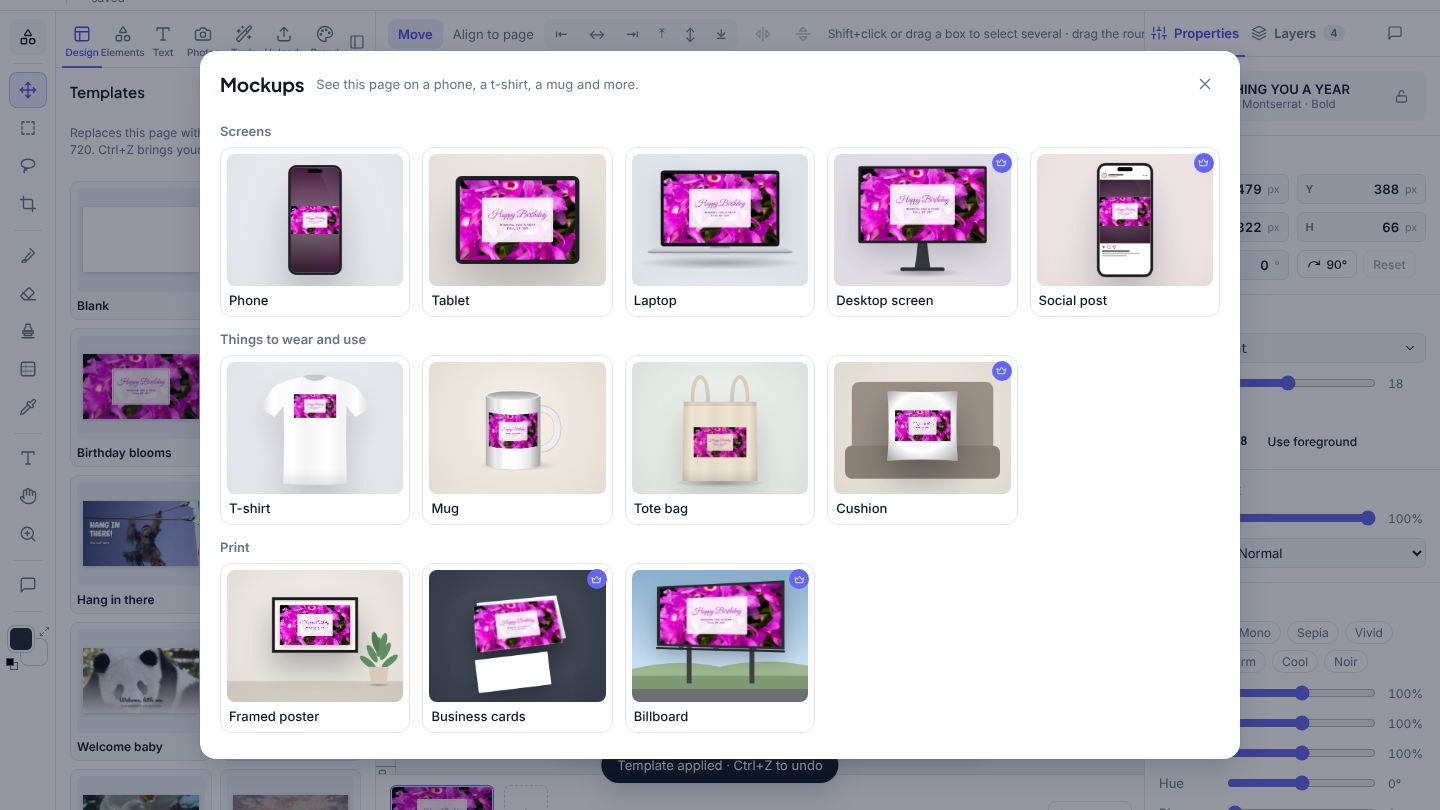
- Open your design and go to the page you want to show.
- Click File → Mockups. You see it on 12 things at once: phone, tablet, laptop, t-shirt, mug, tote bag, framed poster and more.
- Click one, then pick the colour of the shirt or mug and a background (or none, for a see-through PNG).
- Click Download for a PNG, or Add as new page to put it in your design.
A design with a see-through background looks most natural on a coloured shirt or mug.
Desktop screen, social post, cushion, business cards and billboard are part of Teams.