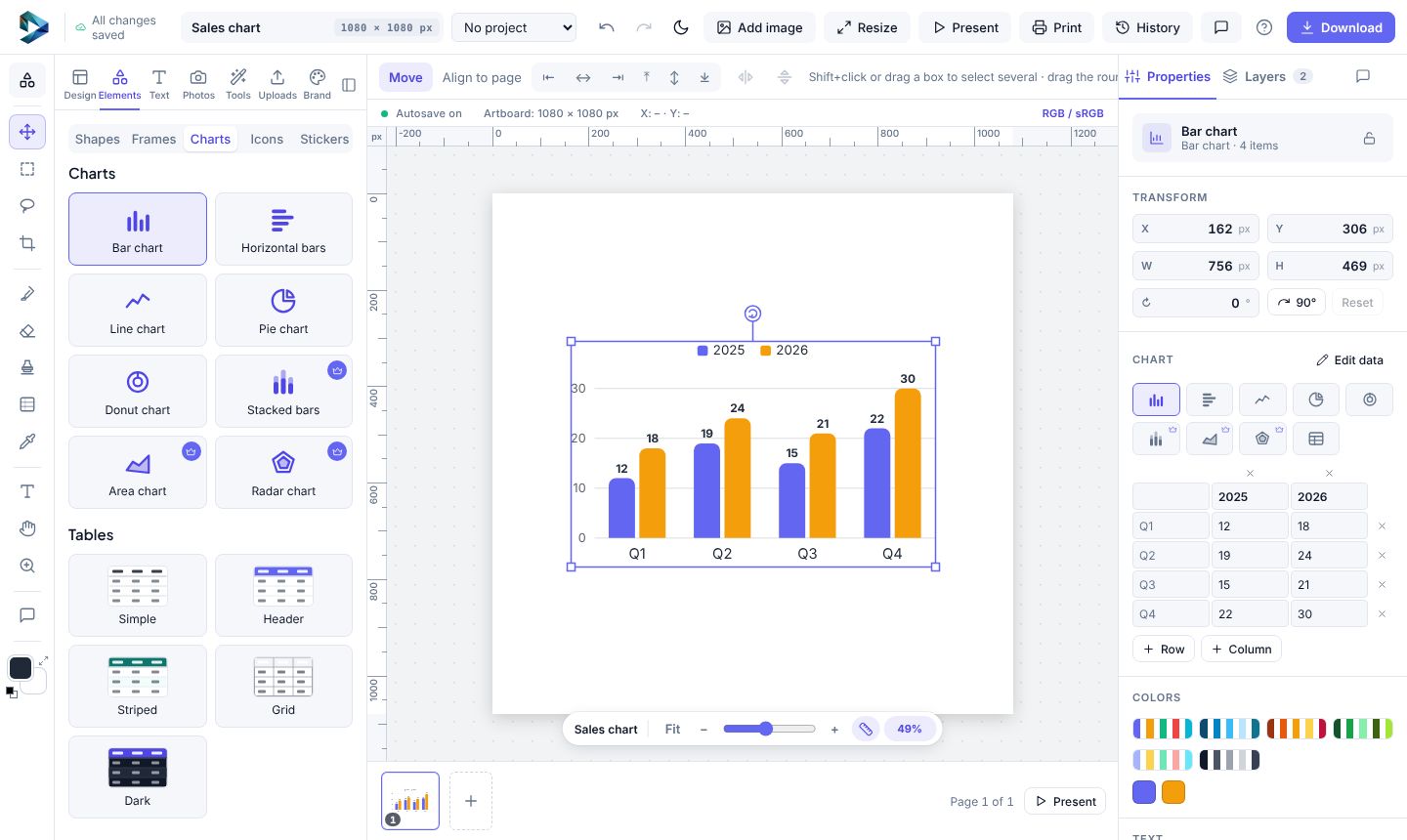
- Open Elements → Charts and pick one: bar, horizontal bars, line, pie, donut, stacked bars, area or radar.
- Double-click it (or right-click → Edit data) and type your numbers. Add rows and columns with +.
- In Properties switch the chart type, pick a colour set (Bright, Ocean, Sunset, Forest, Pastel, Mono) and choose what to show: legend, values or percentages, guide lines.
- Want it to draw itself in? Pick the Grow animation.
Tables work the same way, from Elements → Tables, in five looks.