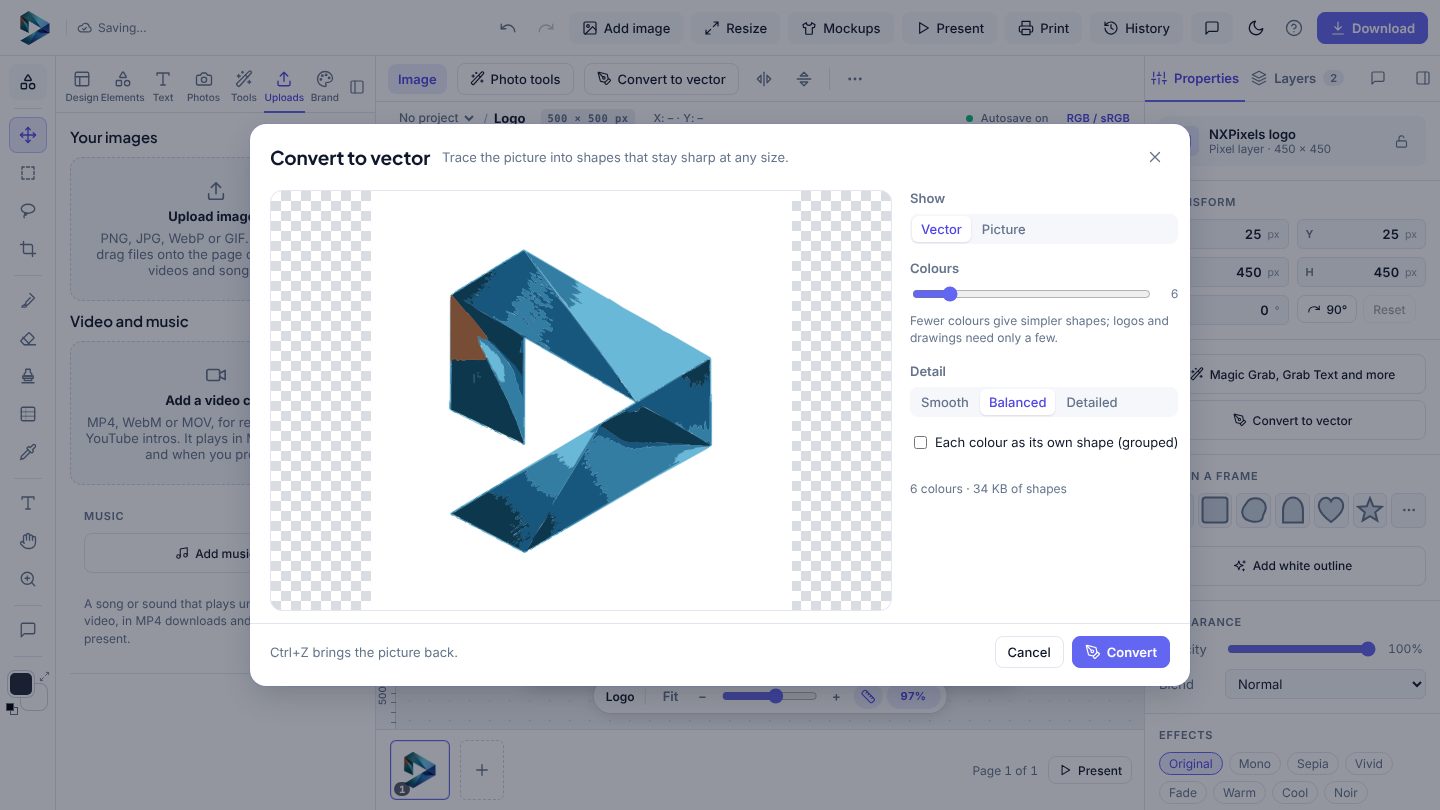
If your logo looks soft or blocky when you make it bigger, convert it to vector shapes:
- Add the logo picture and select it.
- Click Convert to vector in the bar above the page.
- Pick how many Colours to keep (NXPixels suggests a number) and the Detail: Smooth for simple logos, Detailed to follow the picture closely.
- Tick Each colour as its own shape if you want to move or recolour parts on their own.
- Click Convert.
Now it stays sharp at any size. Change a colour with the colour buttons in the options bar, or right-click → Download as SVG to send it to a printer. Tracing runs on your device and doesn't use your AI allowance.